01
Quick to start
Install and sign in, then connect straight from the home screen.
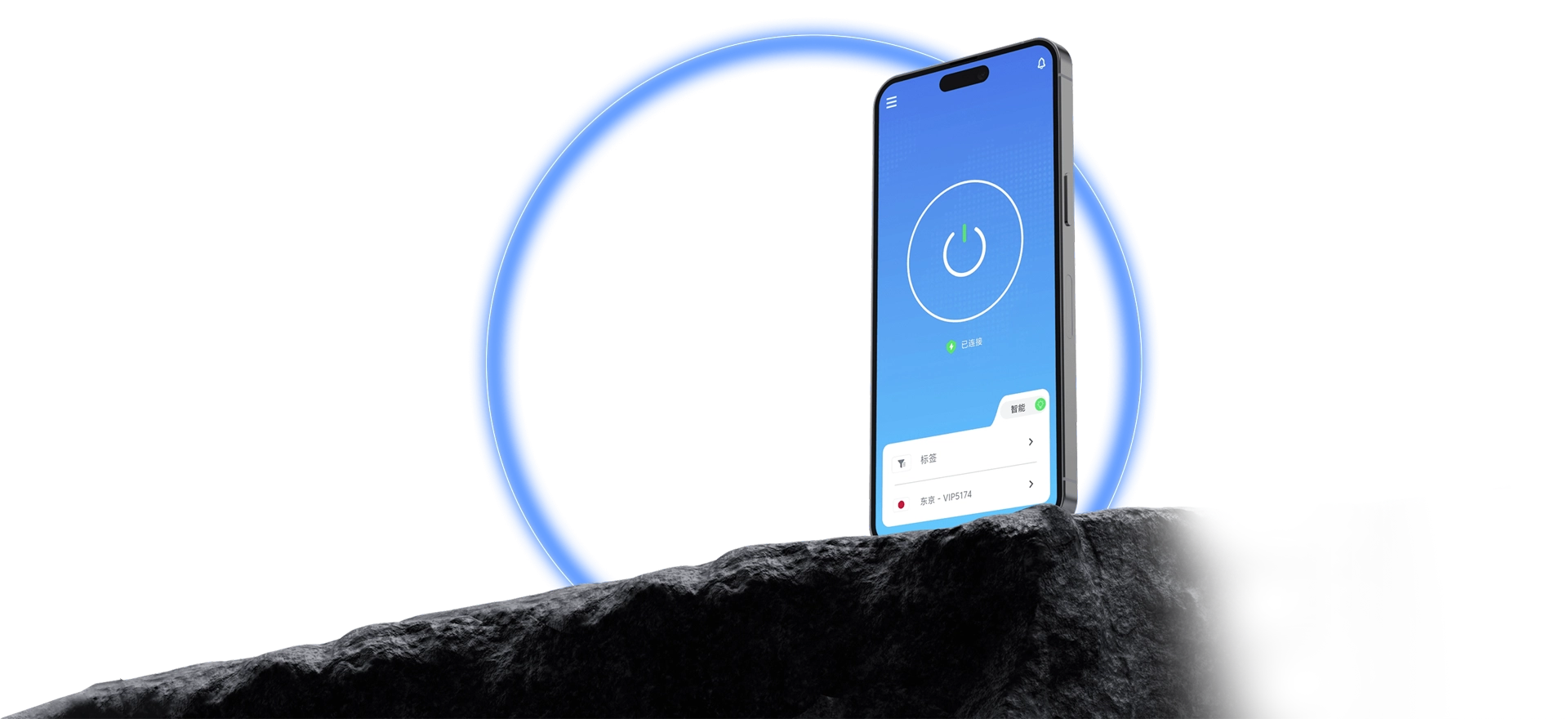
Install, sign in, pick a route — that is the whole flow. QuickQ keeps the complicated part inside the client.
QuickQ ships a client for Windows, macOS, iOS, Android, and Linux. Sign in, pick a route from the home screen, and start a connection — the current status is reported as it changes. One account works across several devices, and routes can be changed at any point during the subscription period.
Five steps end to end. A first-time user will not get lost.

Install and sign in, then connect straight from the home screen.
See which routes are open and how each one is doing.
Whether you are connected shows up on screen, so nothing is guesswork.
The flow is close enough between platforms that a new device feels familiar.
What is collected and why is written out plainly.
Guides and FAQs cover installing, signing in, and connecting.
Install the client and complete the setup in the tutorial, and QuickQ is ready to use.